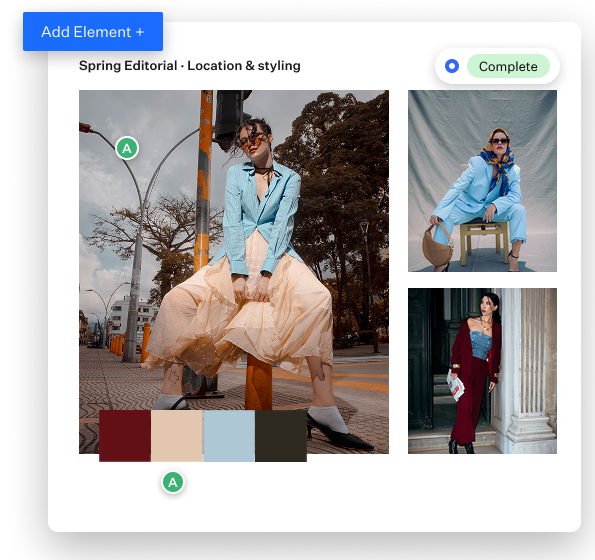
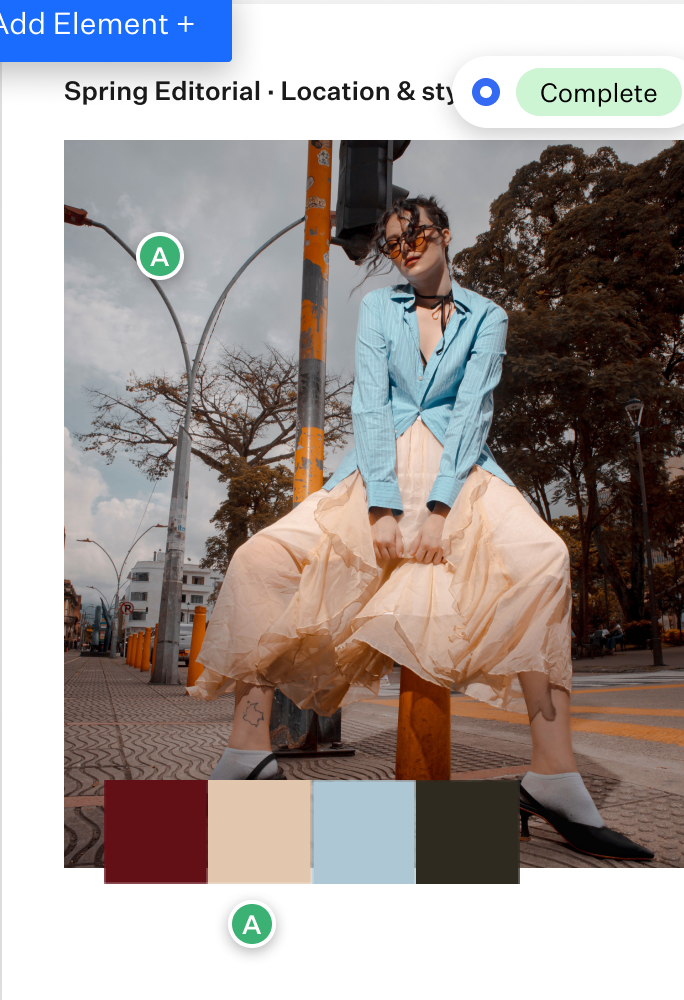
Get sign-off before the work begins.
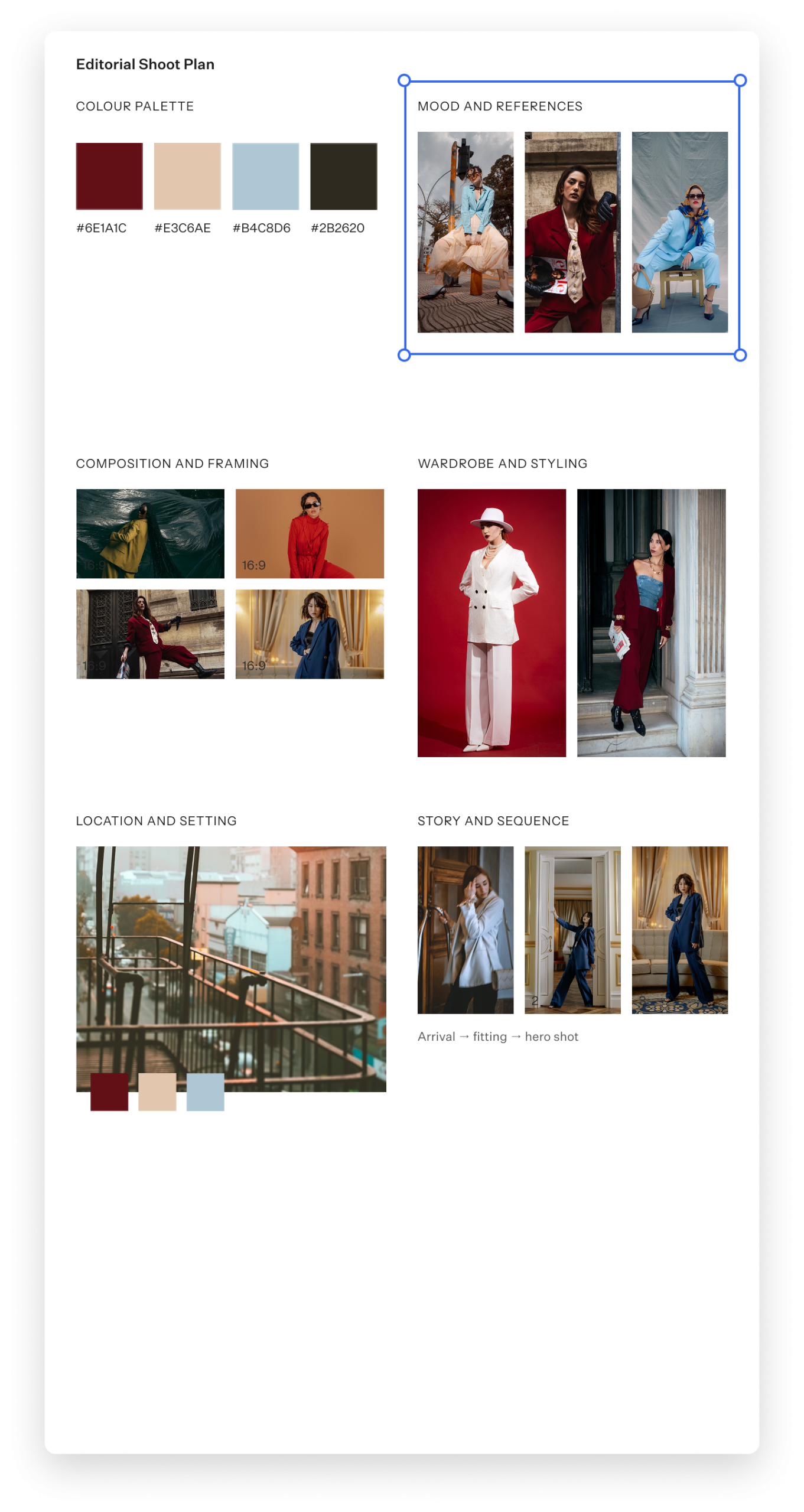
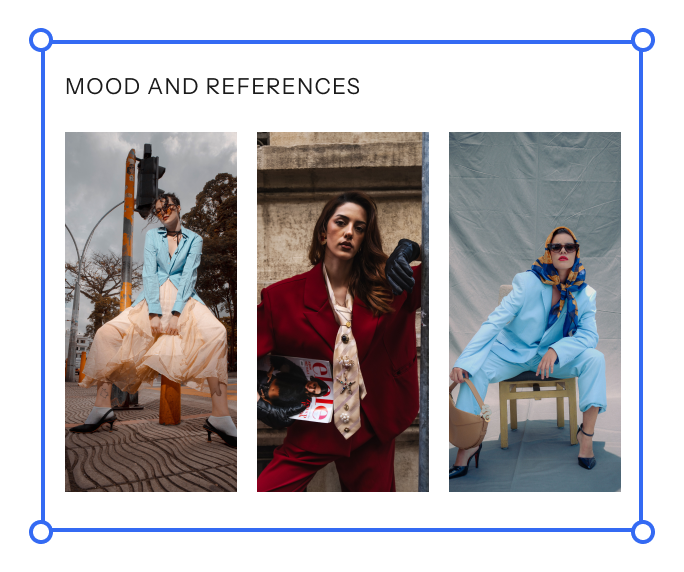
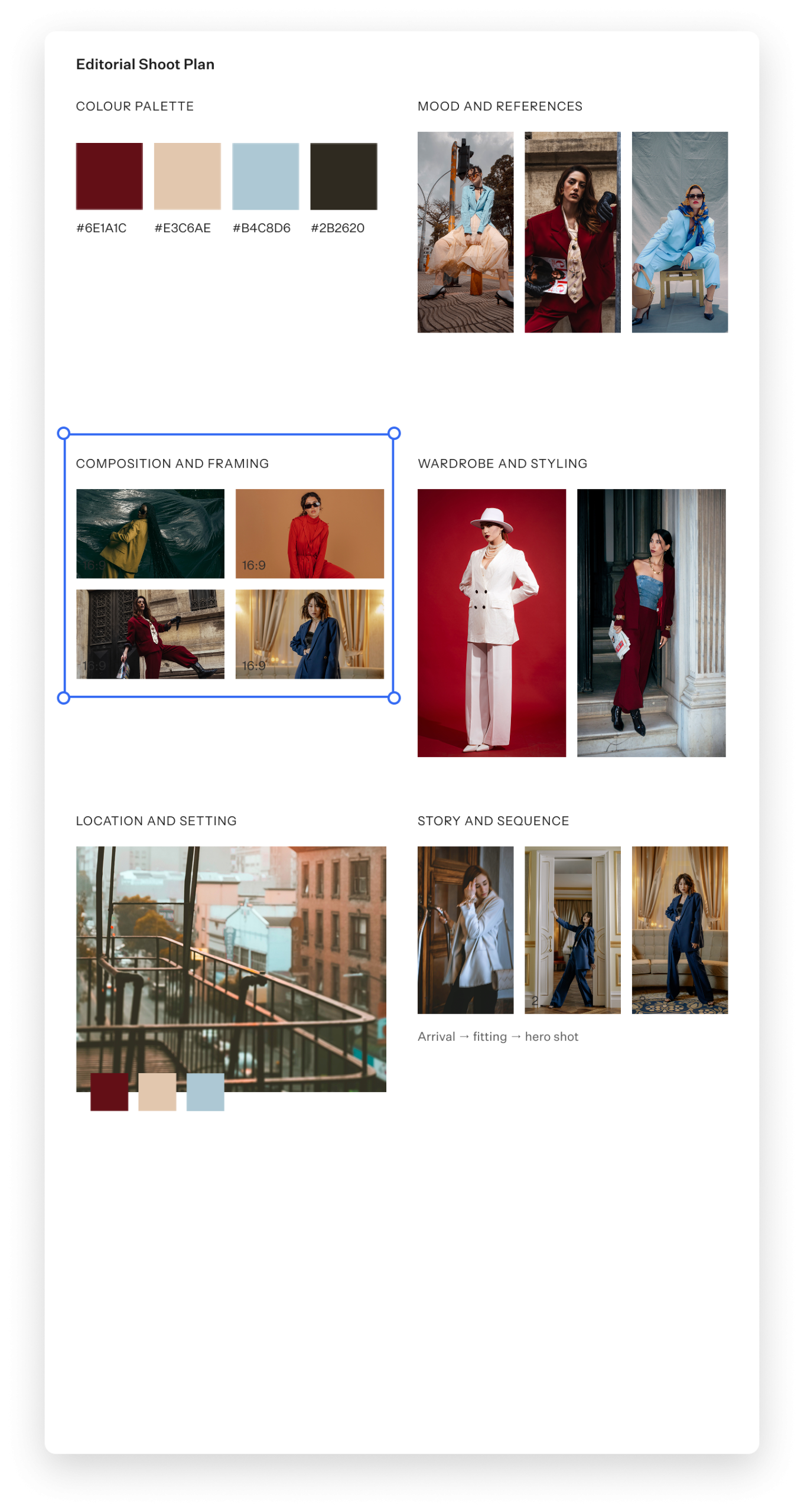
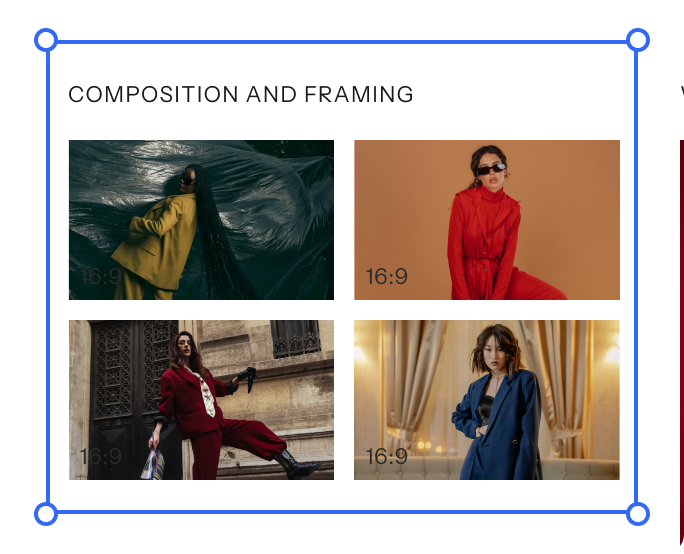
Moodboards now live inside Format. Build a mood board for a shoot, film, commission or campaign, share it with clients or collaborators, and gather feedback on each detail right on the board.
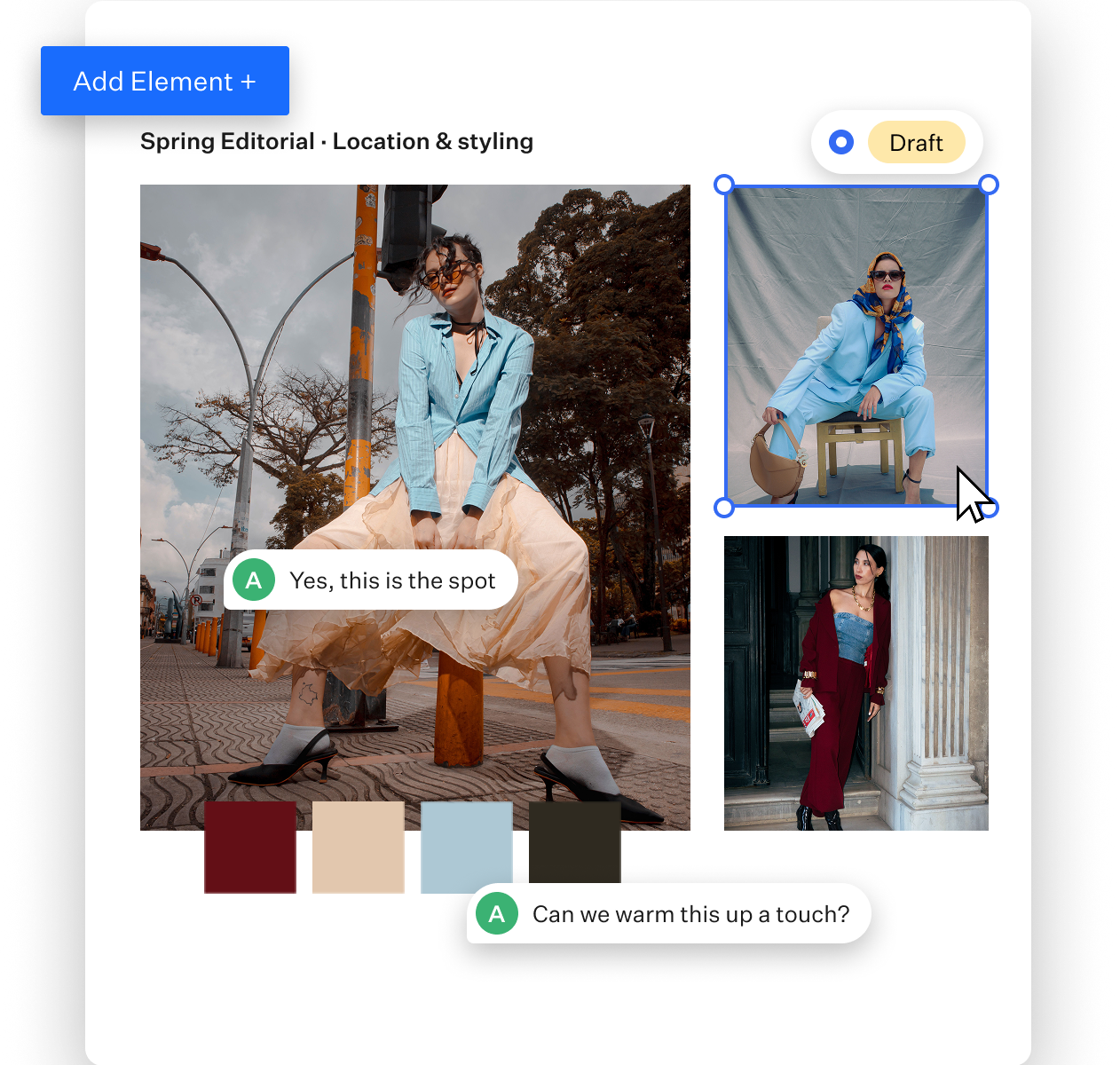
Clients can’t approve what they can’t picture.
Describing a shoot, a scene or a brand direction over email leaves plenty of room for interpretation. A board puts your references in front of the client, so their feedback is about something concrete and any changes happen during planning instead of mid-production.
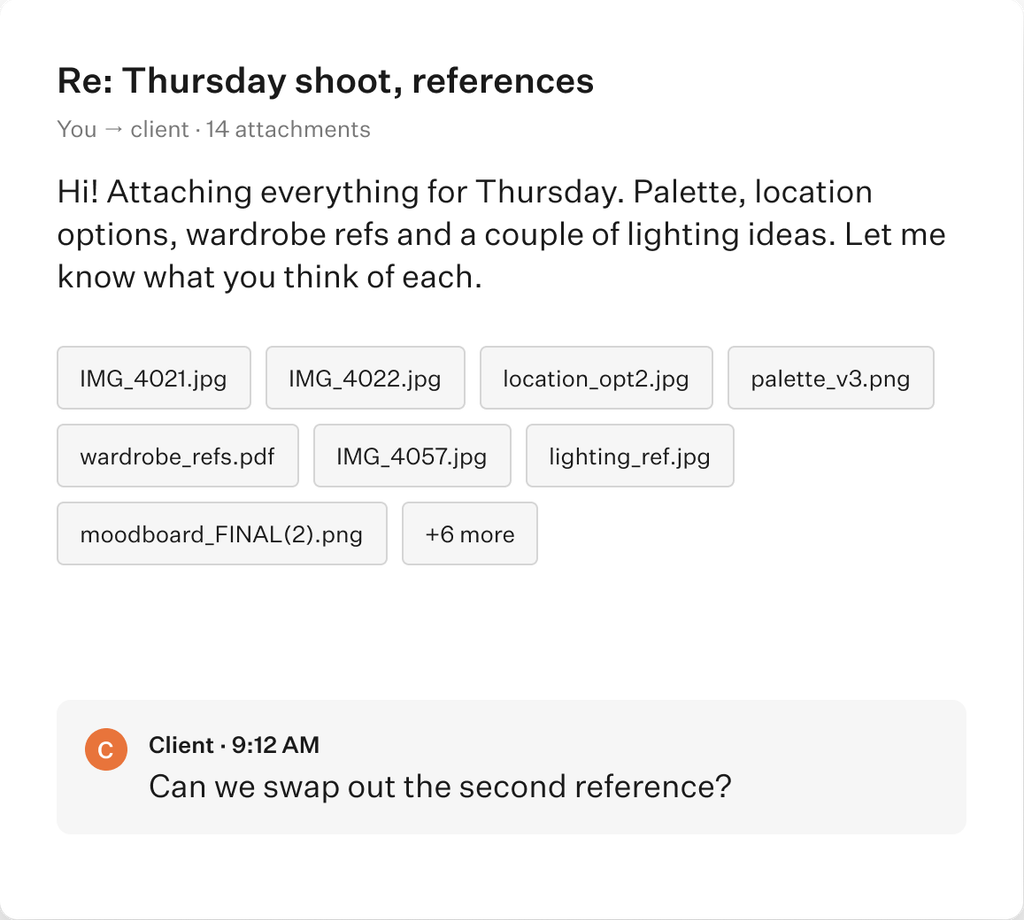
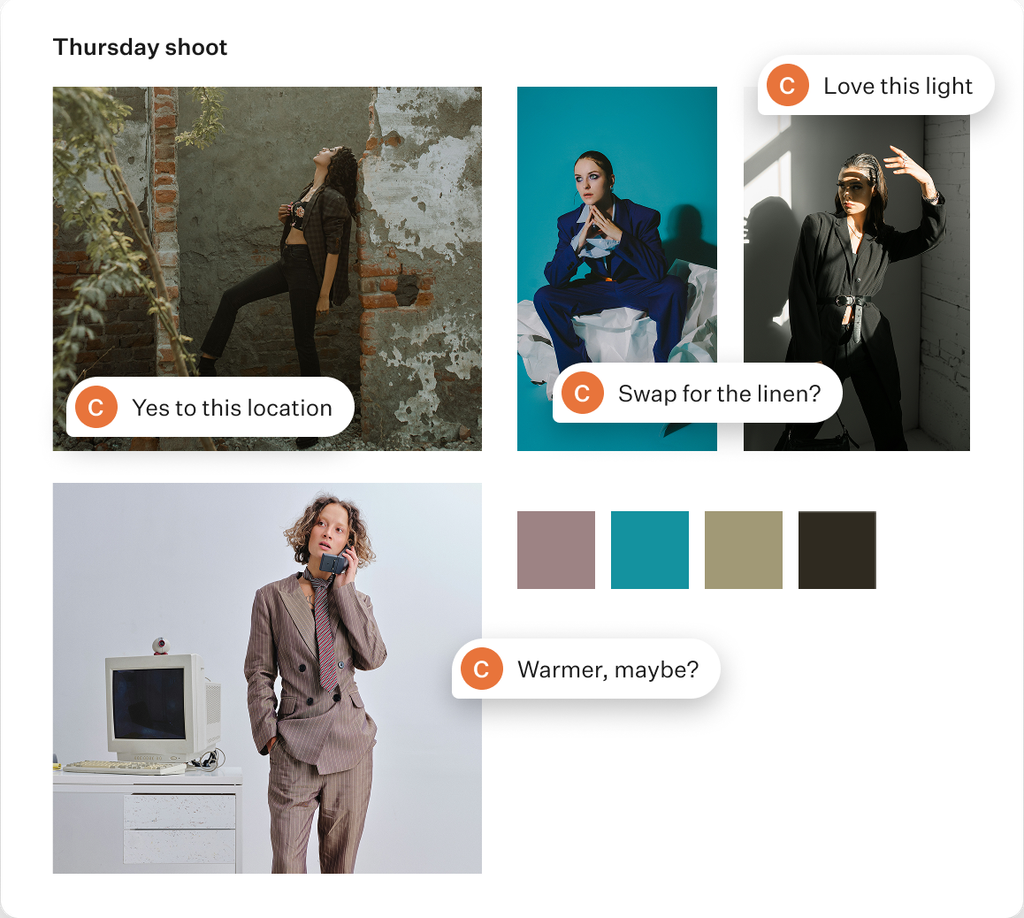
Every project is a set of choices. Confirm them one by one.
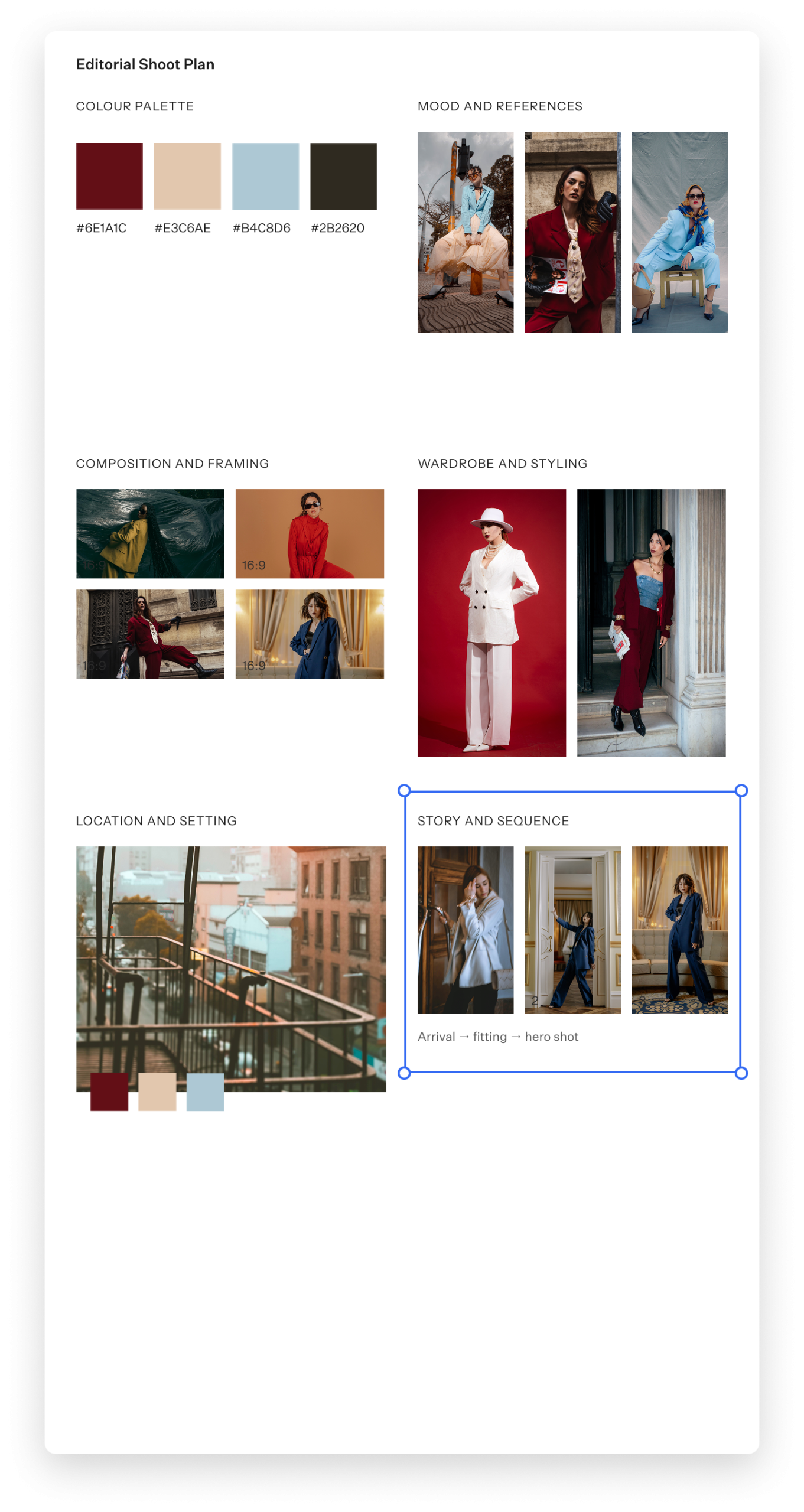
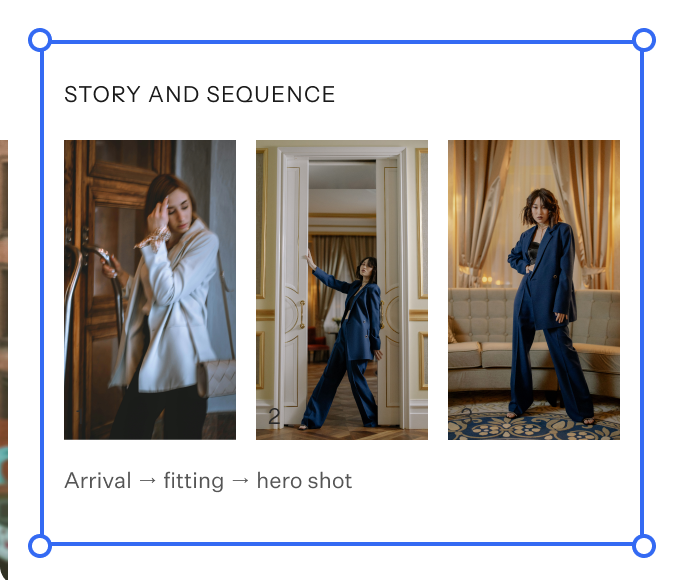
A yes to the concept doesn’t always mean a yes to the palette, the location or the styling. Give each choice its own spot on the board and ask for feedback on each.
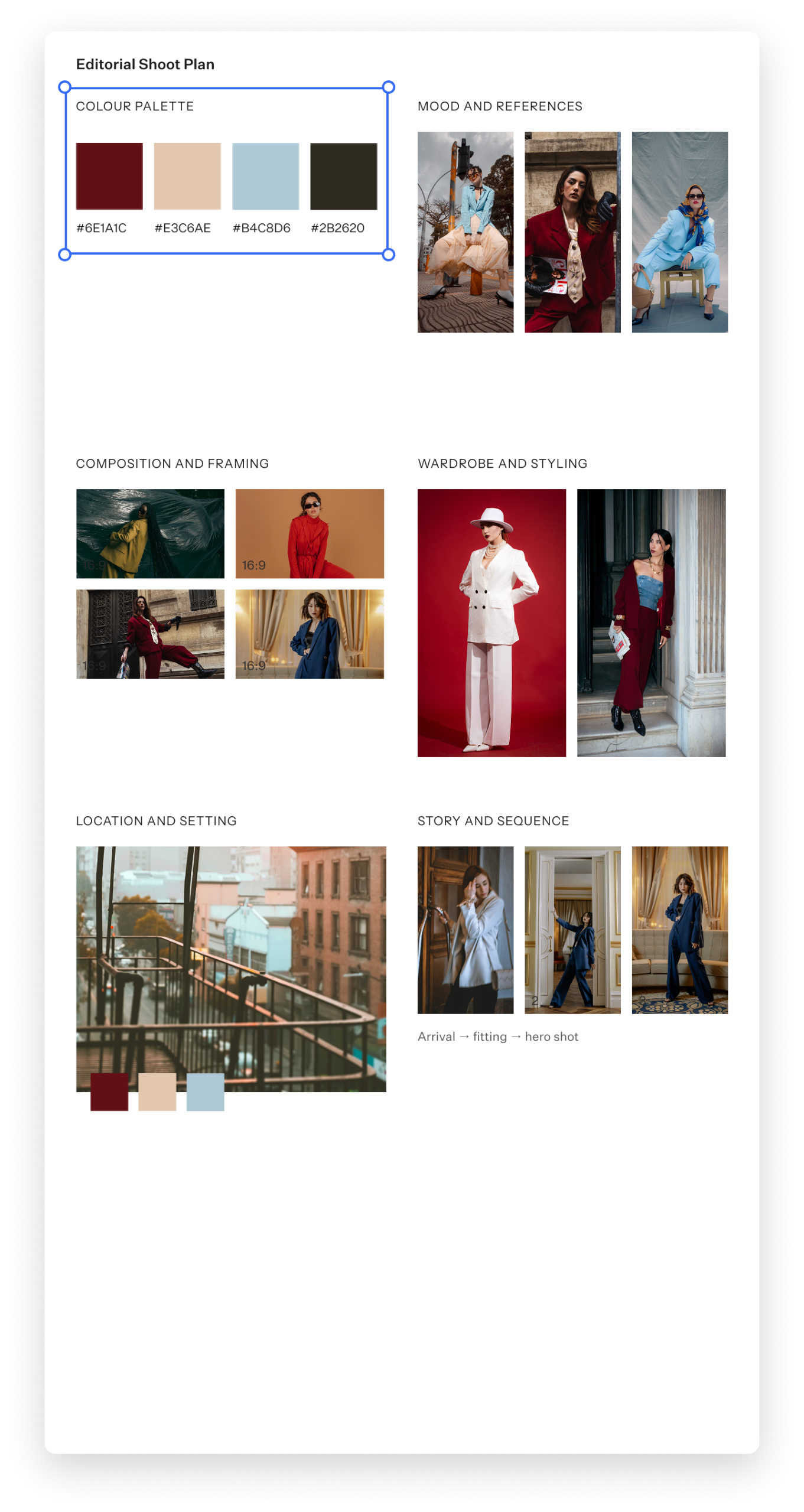
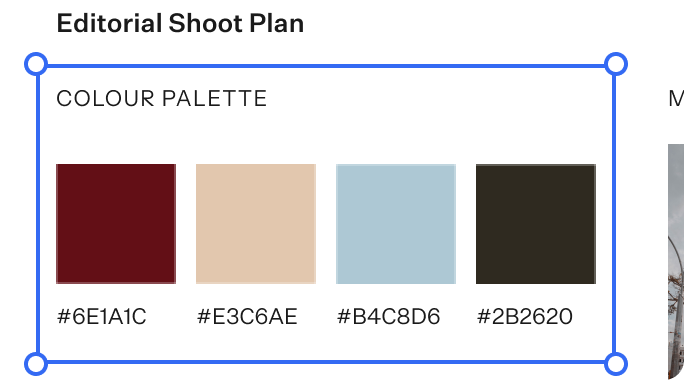
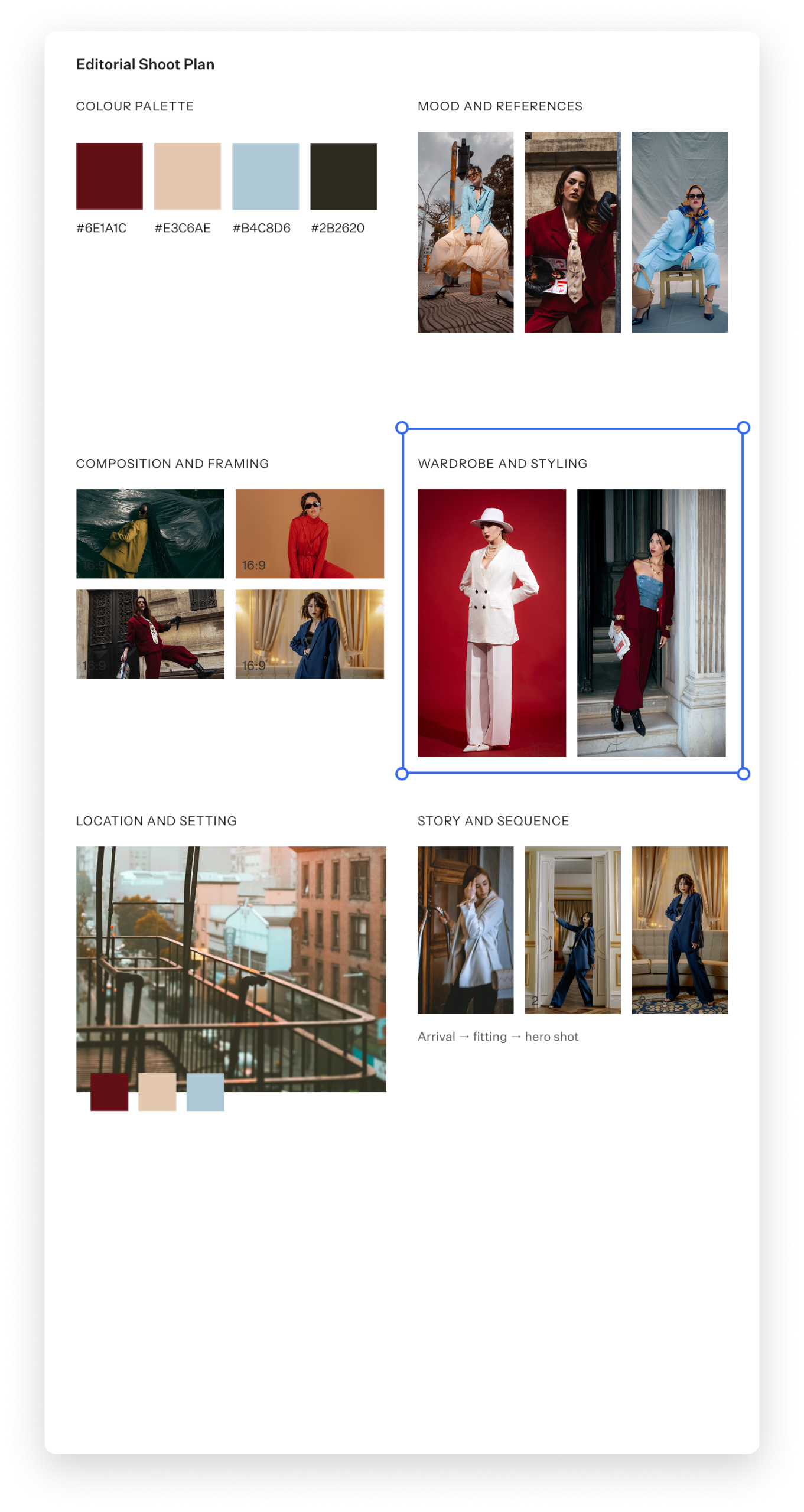
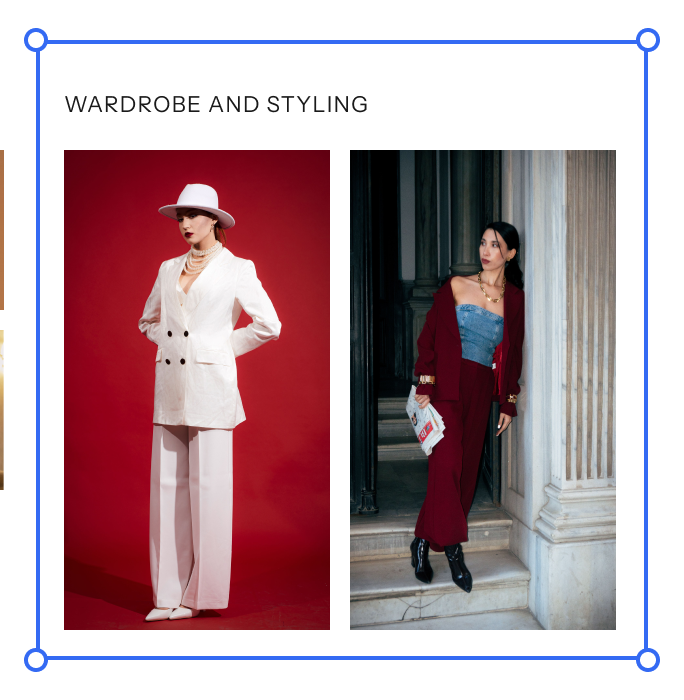
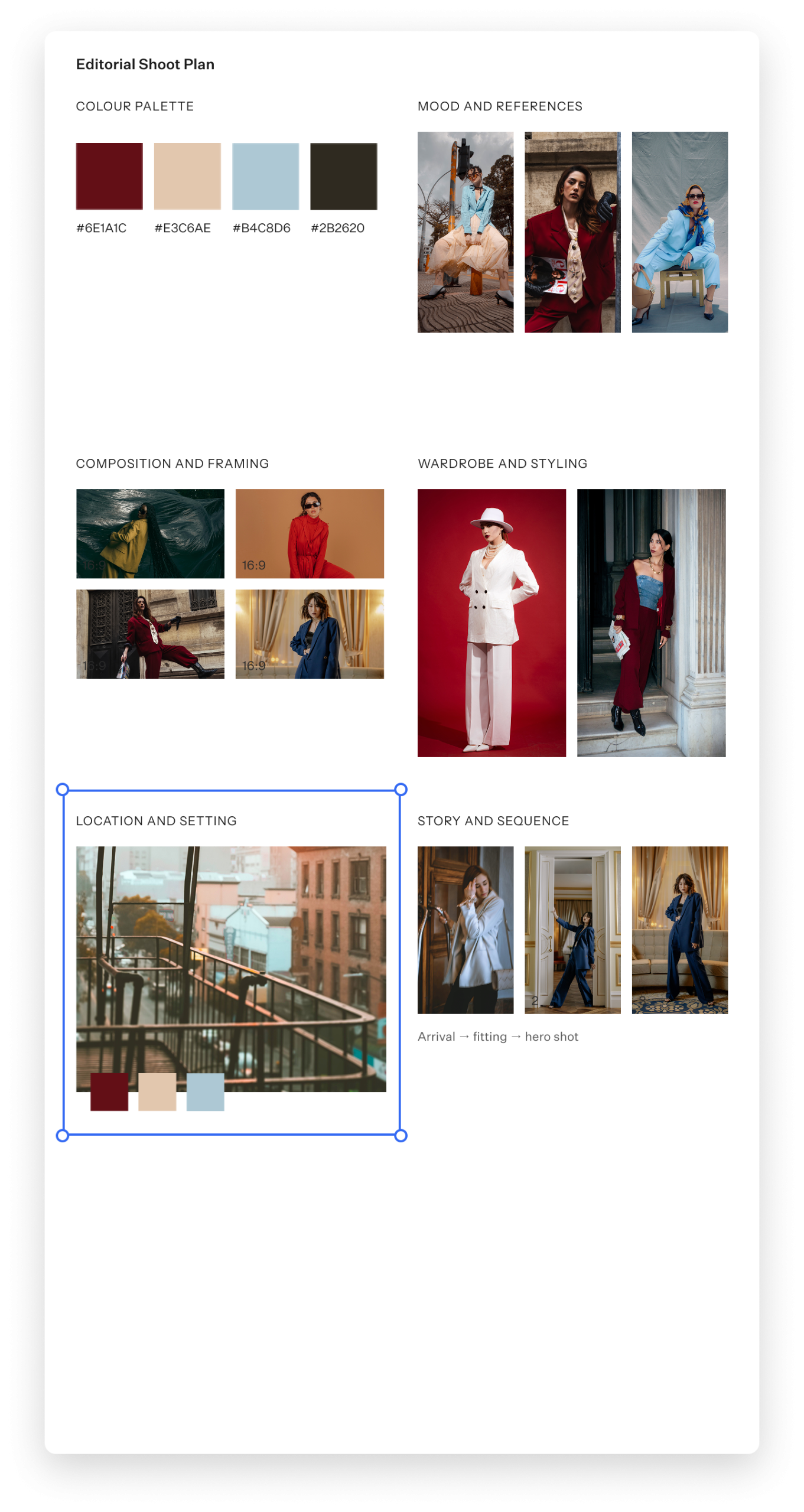
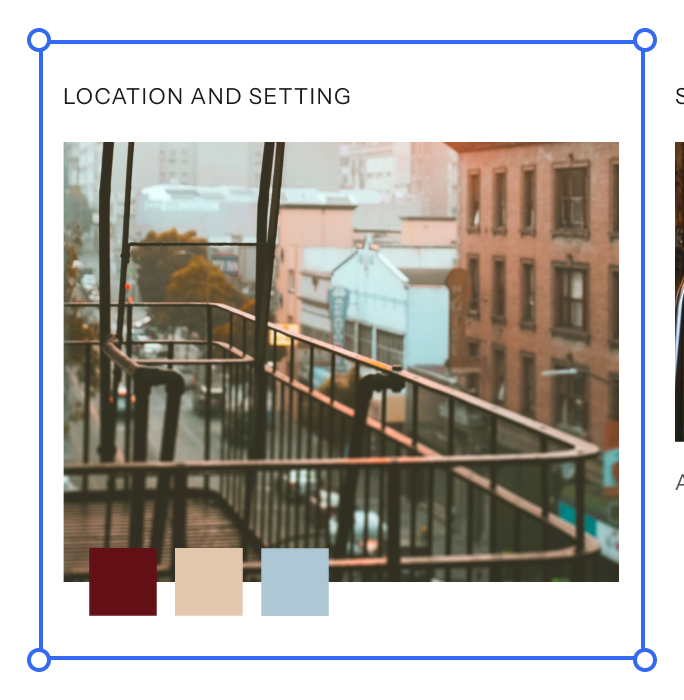
Every idea in one place, whatever you make.
A photo series, a short film, a mural, a brand identity and a material palette for a new space all start the same way: with a collection of ideas that needs shape before anyone else can see it. Moodboards give you one place to gather and arrange those ideas, then share them so clients and collaborators understand where the project is headed.
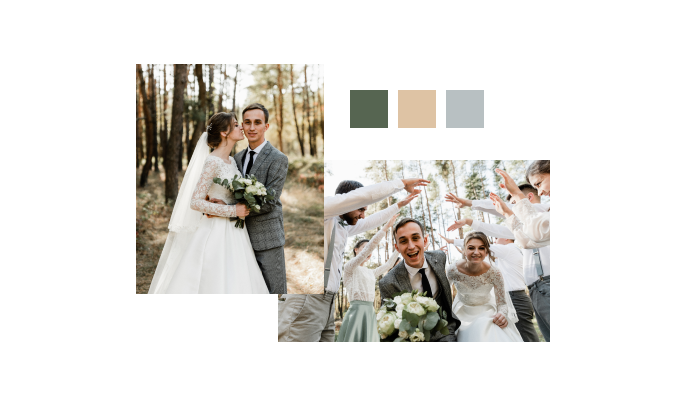
Fotógrafos
Pitch a portrait session, wedding, editorial, fashion or commercial shoot with palettes, lighting references and locations your client can comment on.
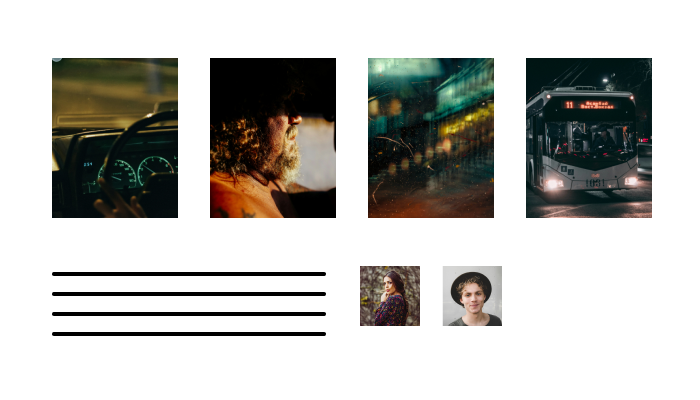
Cineastas
Put together a lookbook for a short, music video or brand film. Share tone, locations, casting and storyboard frames with directors, producers or clients.
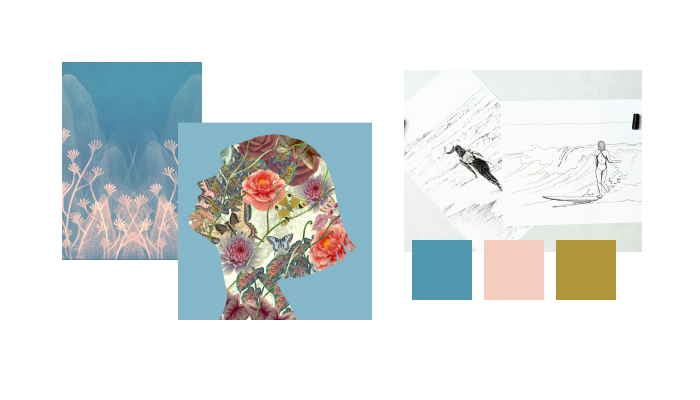
Artists and illustrators
Agree on direction for a commission before you start. Share sketches, references and colour studies with collectors, galleries or art directors.
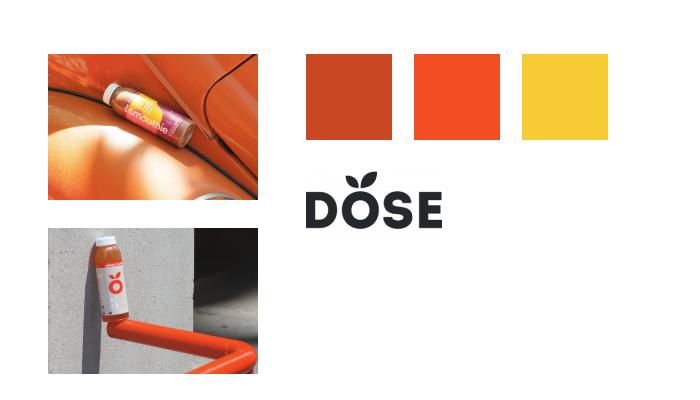
Designers
Set the brand or visual direction up front. Colour, imagery and layout references get approved before you build a single comp.
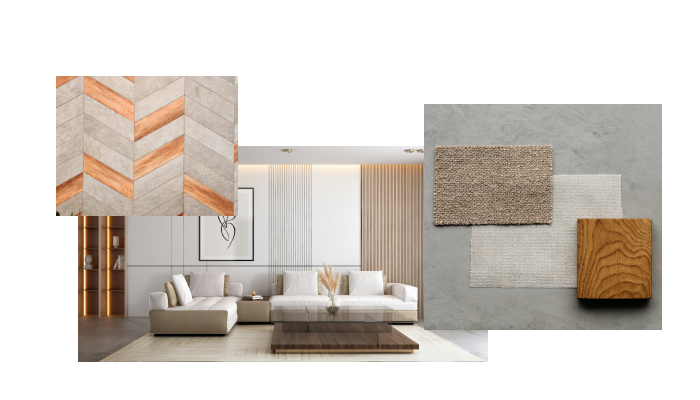
Interior designers and architects
Present materials, finishes and palettes for a space, and get client feedback on each choice before anything is specified.
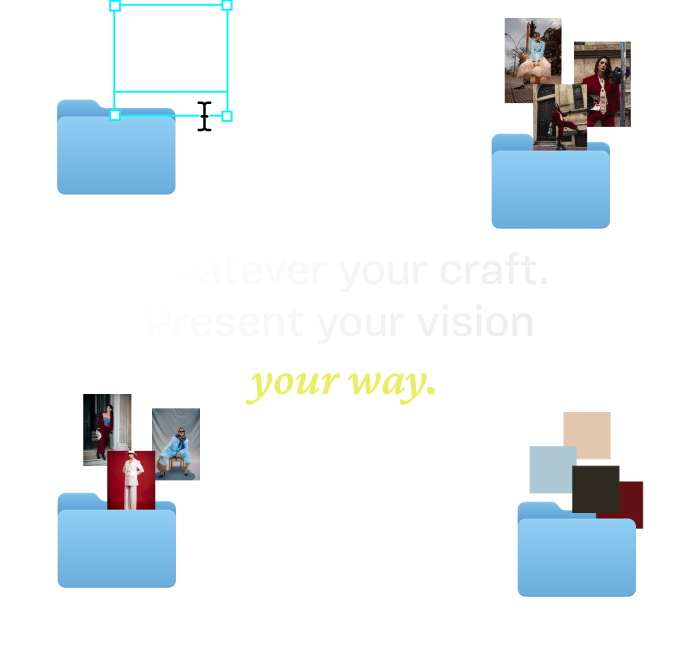
Start with the structure. Bring the direction.
Each template is set up for a specific deliverable, so the sections your client expects are already in place. Add your references, palette and notes, then share it for feedback.
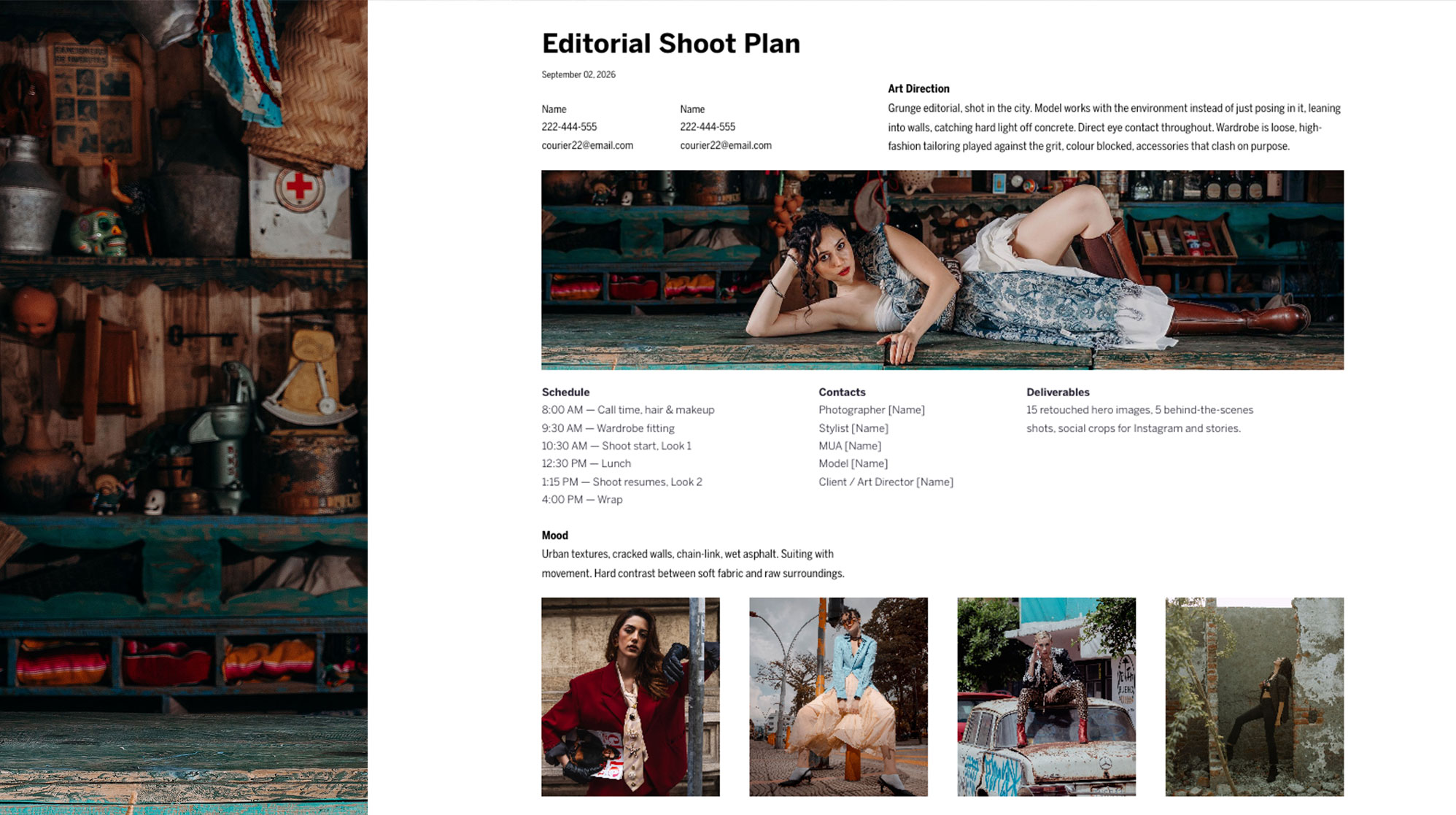
Editorial Shoot Plan
Fotografia
Plan an editorial shoot from concept to call sheet: creative direction, references, schedule and contacts, all in one place.
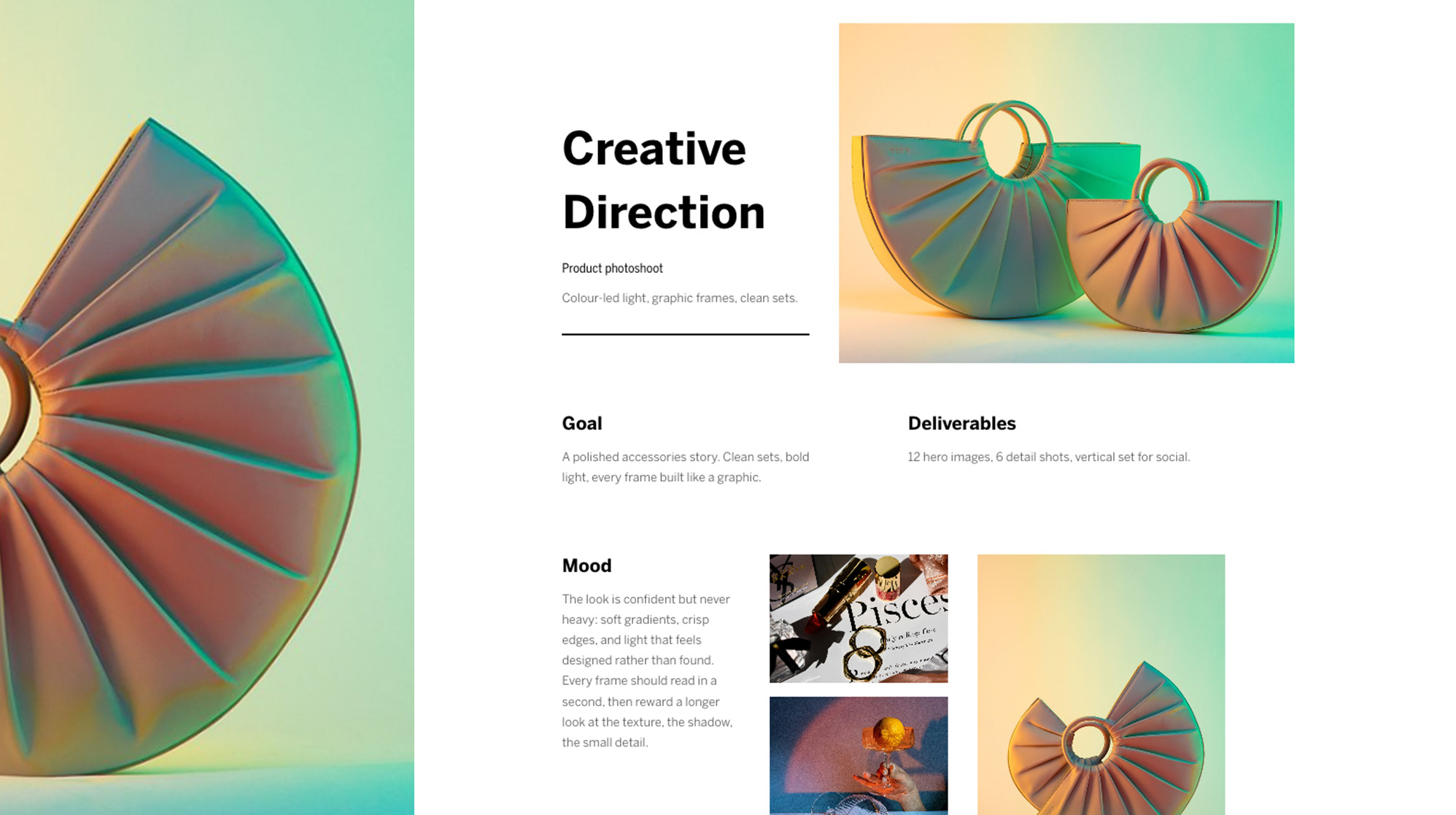
Direção criativa
Photography and film
Set the direction before you shoot: mood, references, palette and deliverables your team can work from without guessing.
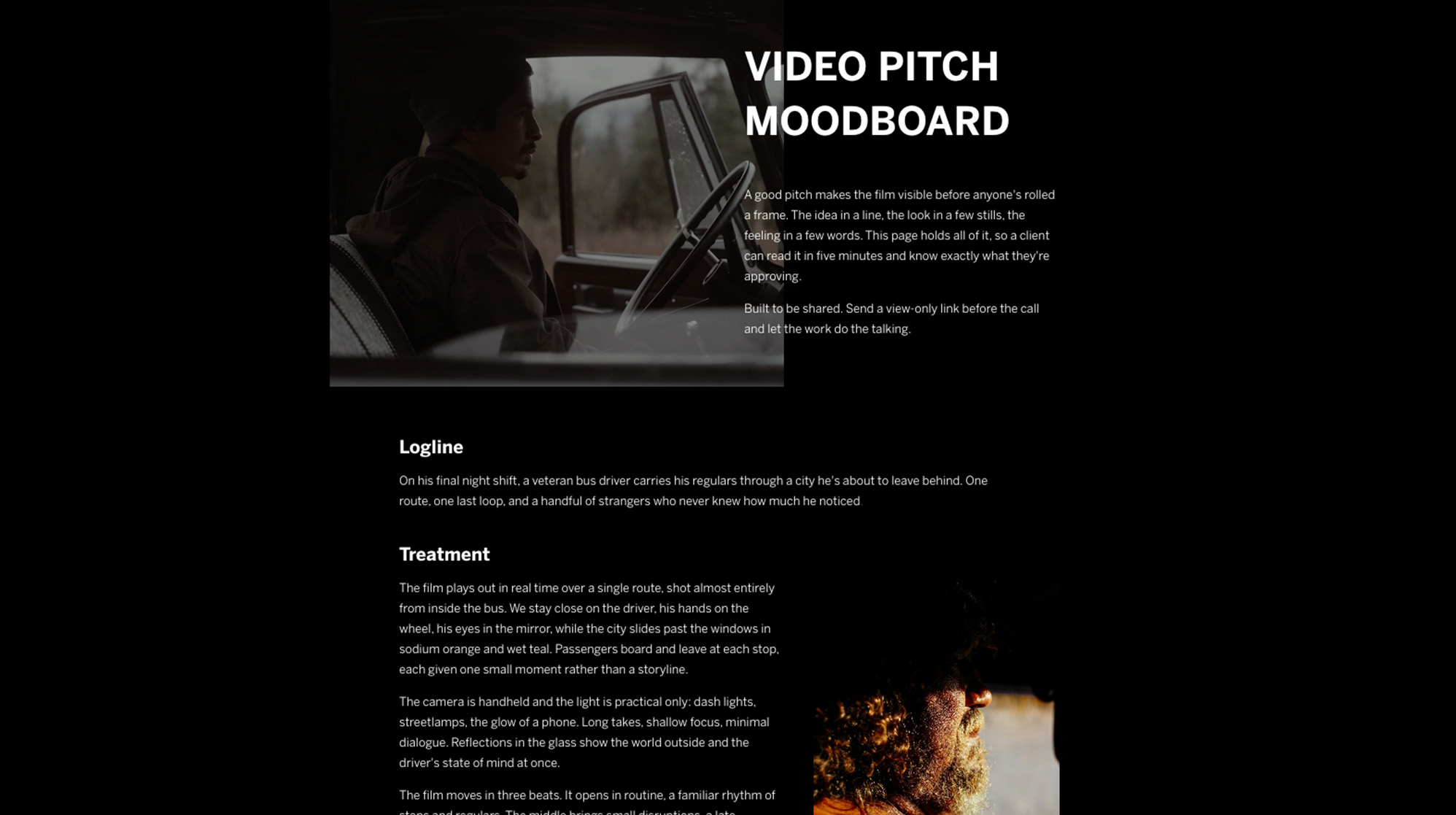
Video Pitch
Filme
Pitch a video concept with treatment, references and tone, so a client has everything they need to say yes before production starts.
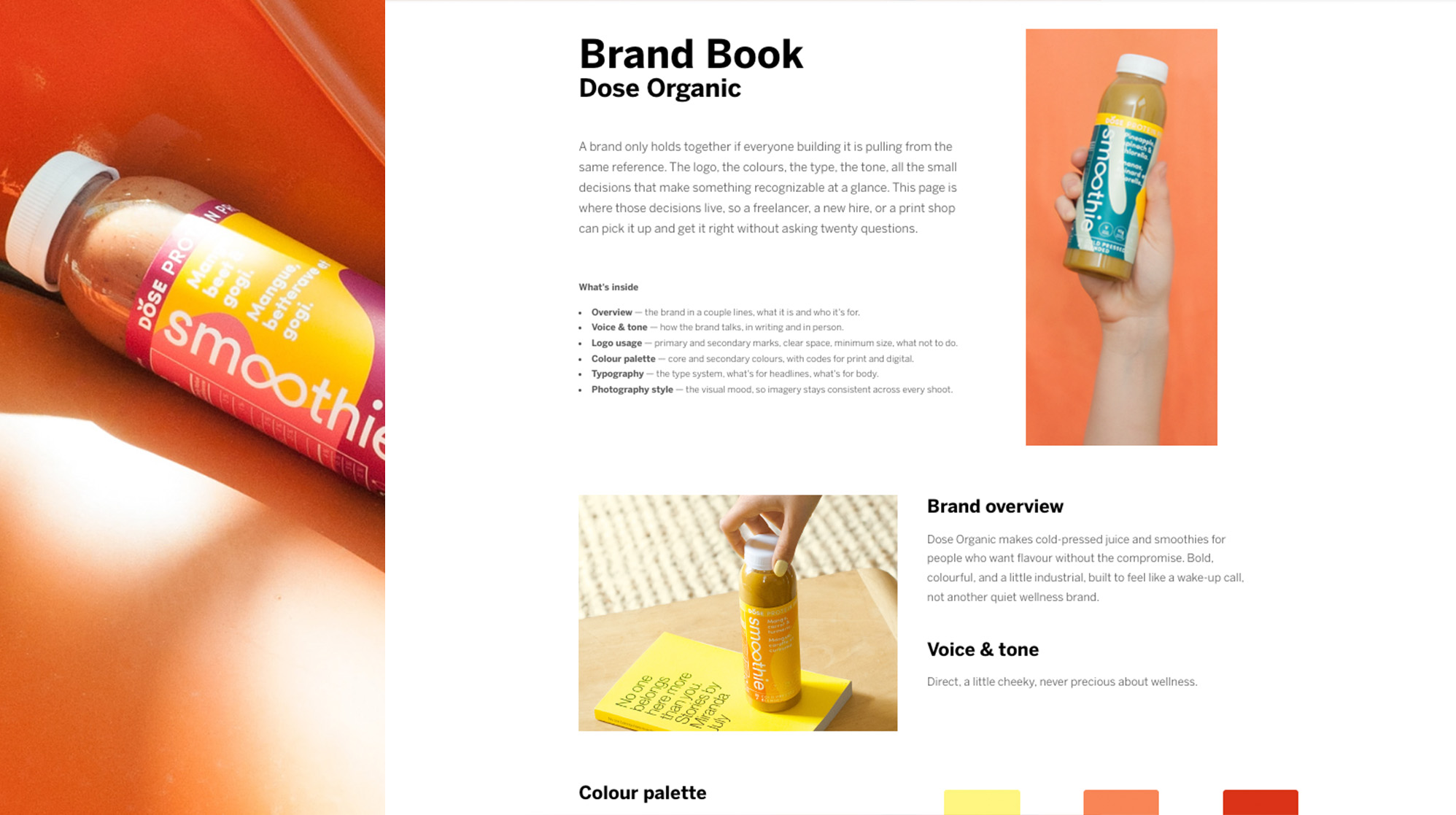
Brand Book
Design
Define the visual language of your practice, from logo use to colour, type and tone, so it stays consistent wherever your work shows up.
Feedback that stays with the work.
Feedback pinned to the thing it’s about
A photo series, a short film, a mural, a brand identity and a material palette for a new space all start the same way: with a collection of ideas that needs shape before anyone else can see it. Moodboards give you one place to gather and arrange those ideas, then share them so clients and collaborators understand where the project is headed.
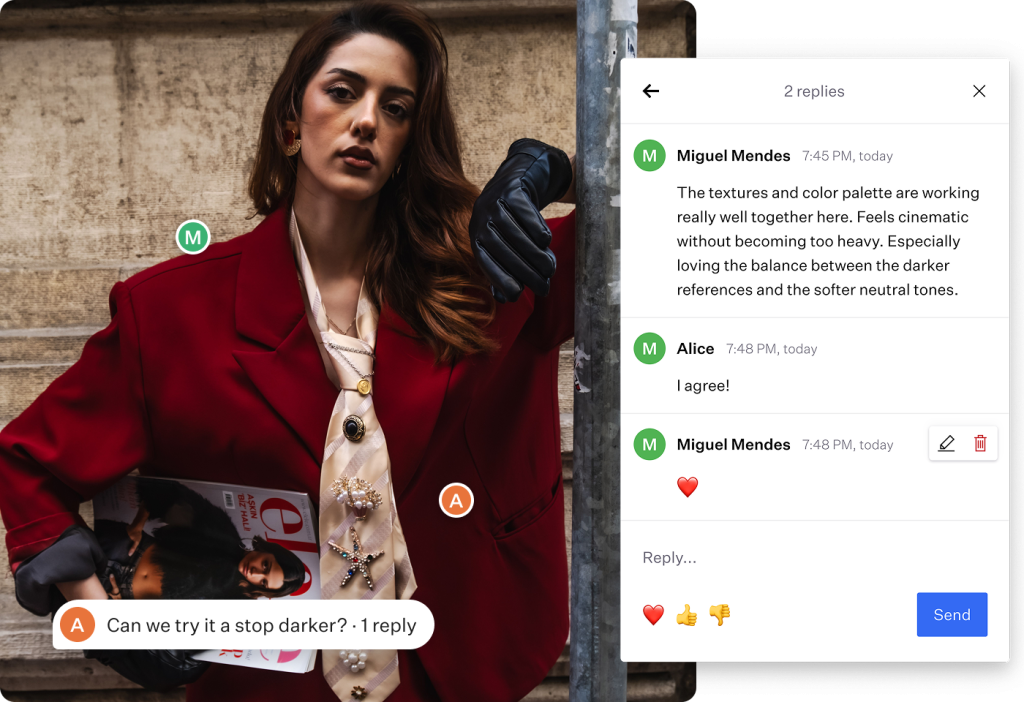
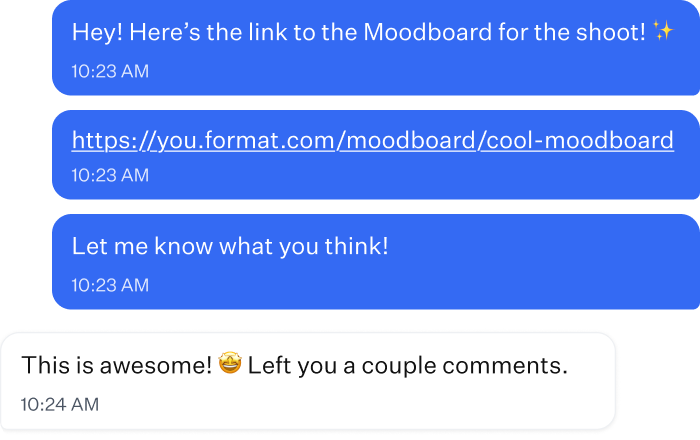
Clients join with a link
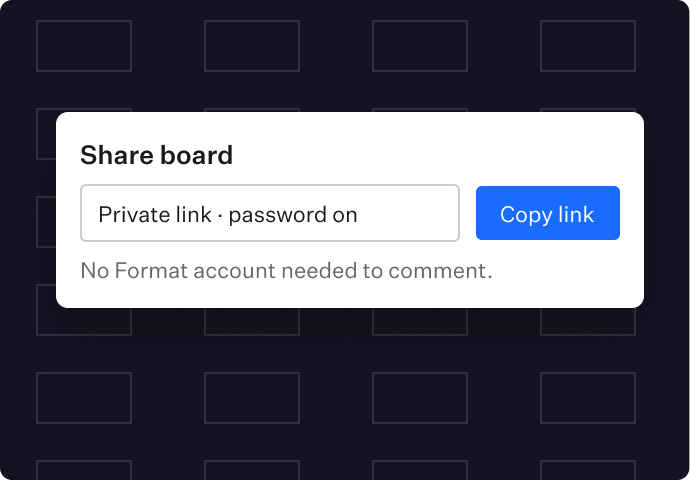
Share the board and your client can comment without creating a Format account.
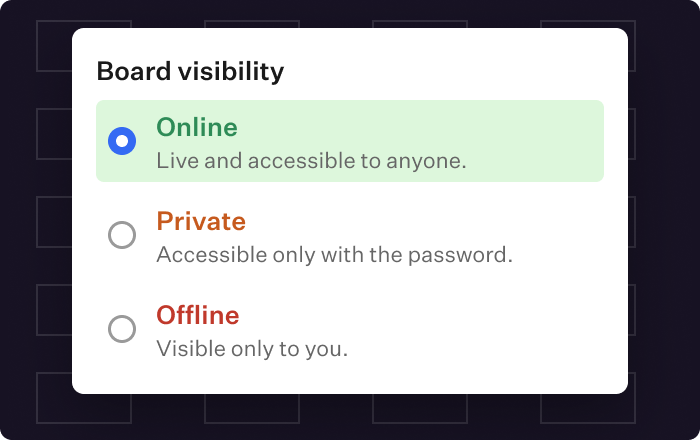
Choose who sees each board
Keep a board offline while you build, make it private with a password for your client, or put it online as the project develops. Visibility is set board by board.
Bring your portfolio in
Add images and media from your Format site to a board in a few clicks, so your own work sets the direction.
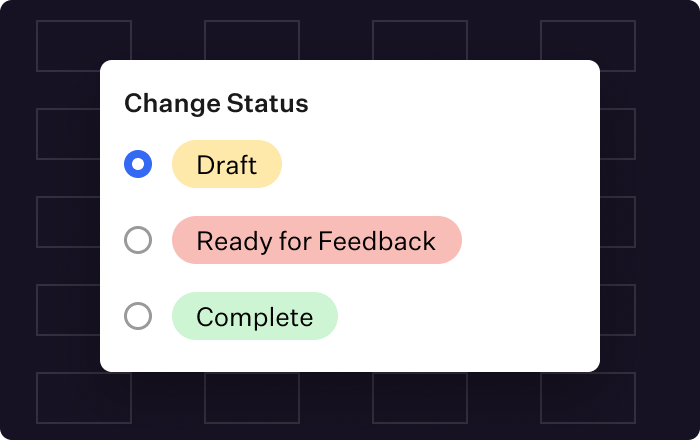
Track where each board stands
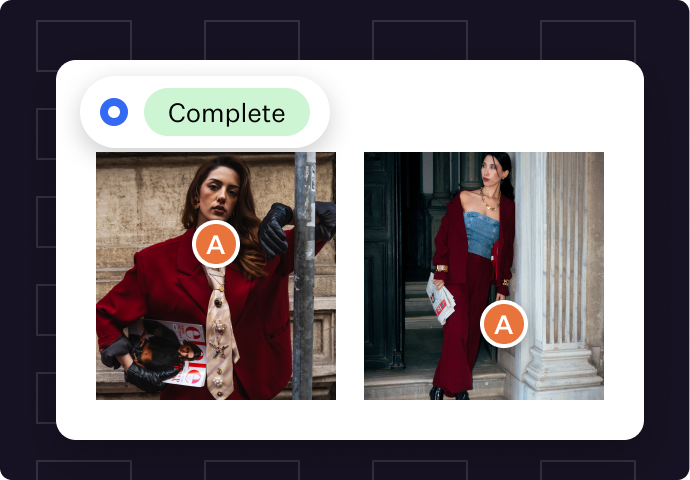
Mark a board as Draft, Ready for Feedback or Complete, so you and your client always know what stage the project is at.
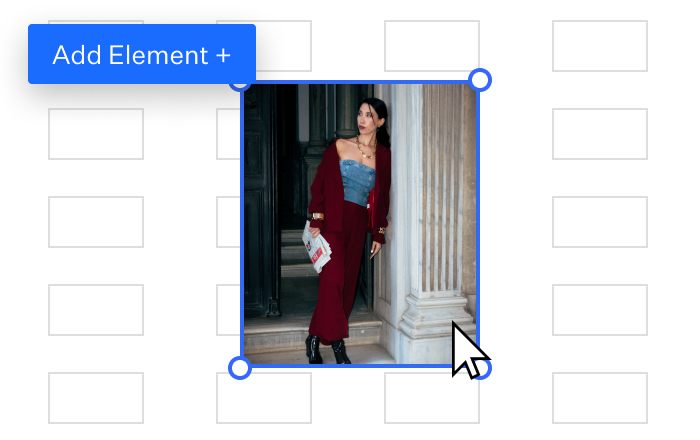
Flexible layout
Arrange images, colours, notes and references across the board. A snap-to grid keeps everything aligned, and you can set up a separate layout for clients reviewing on their phone.
Export to PDF
Need something to attach to a proposal or hand off to the crew? Export the board as a PDF.
Three steps to a signed-off project.
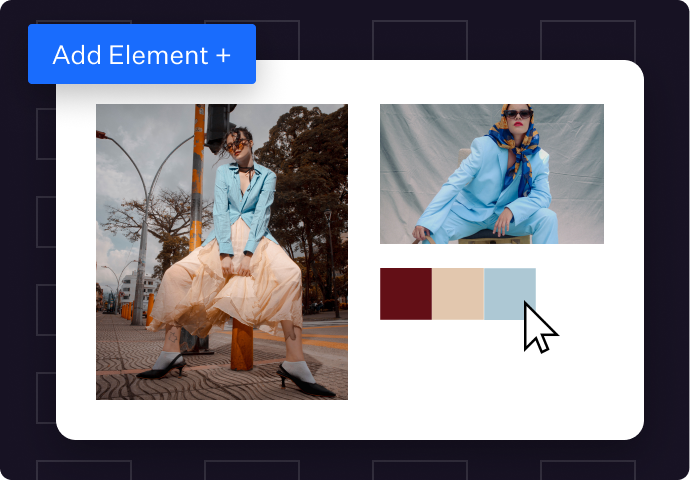
1
Build your board
Start from scratch, from a template, or pull in work from your portfolio. Add palettes, references, styling, locations or storyboards.
2
Share the link
Send it privately to your client. They don’t need a Format account to comment.
3
Get sign-off
Your client comments on each part of the board. Make adjustments, mark the board Complete, and start the shoot, edit or build knowing what’s expected.
Common questions.
Plan it, share it, sign it off.
Already a member? Open Moodboards from the Workflow tab. New to Format? Get up to 50% off your first year across every Format tool, plus a free year of domain hosting.